 Yarn Diary
A crochet app without the subscription
Yarn Diary is free. Not free-tier — free. No subscription, no account, no ads, no features held back for a "pro" version. It tracks your projects, reads your patterns, checks your stitch counts and syncs between your devices, and none of that costs anything. Open it.
- No account
- No subscription
- No ads
- Works offline
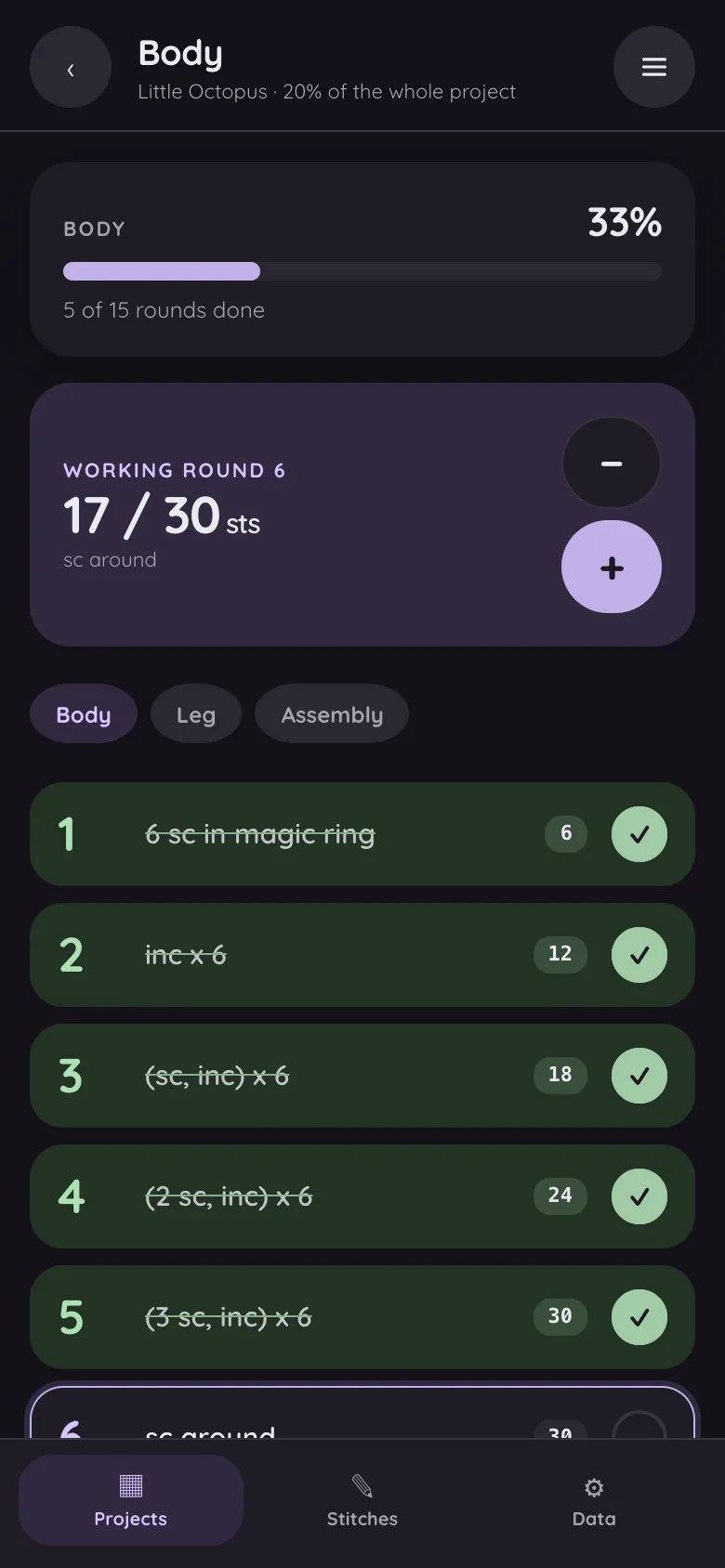
Your pattern, turned into rounds you tick off
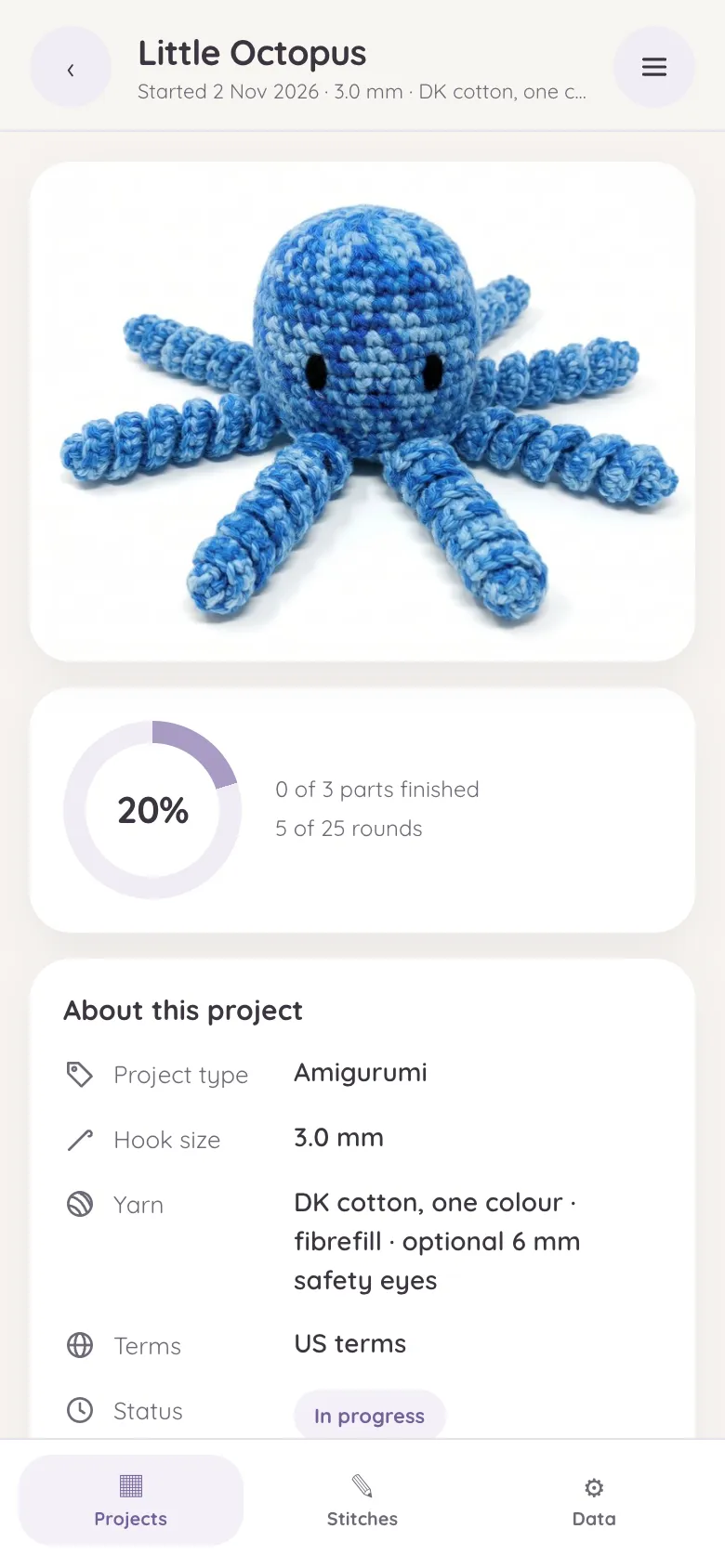
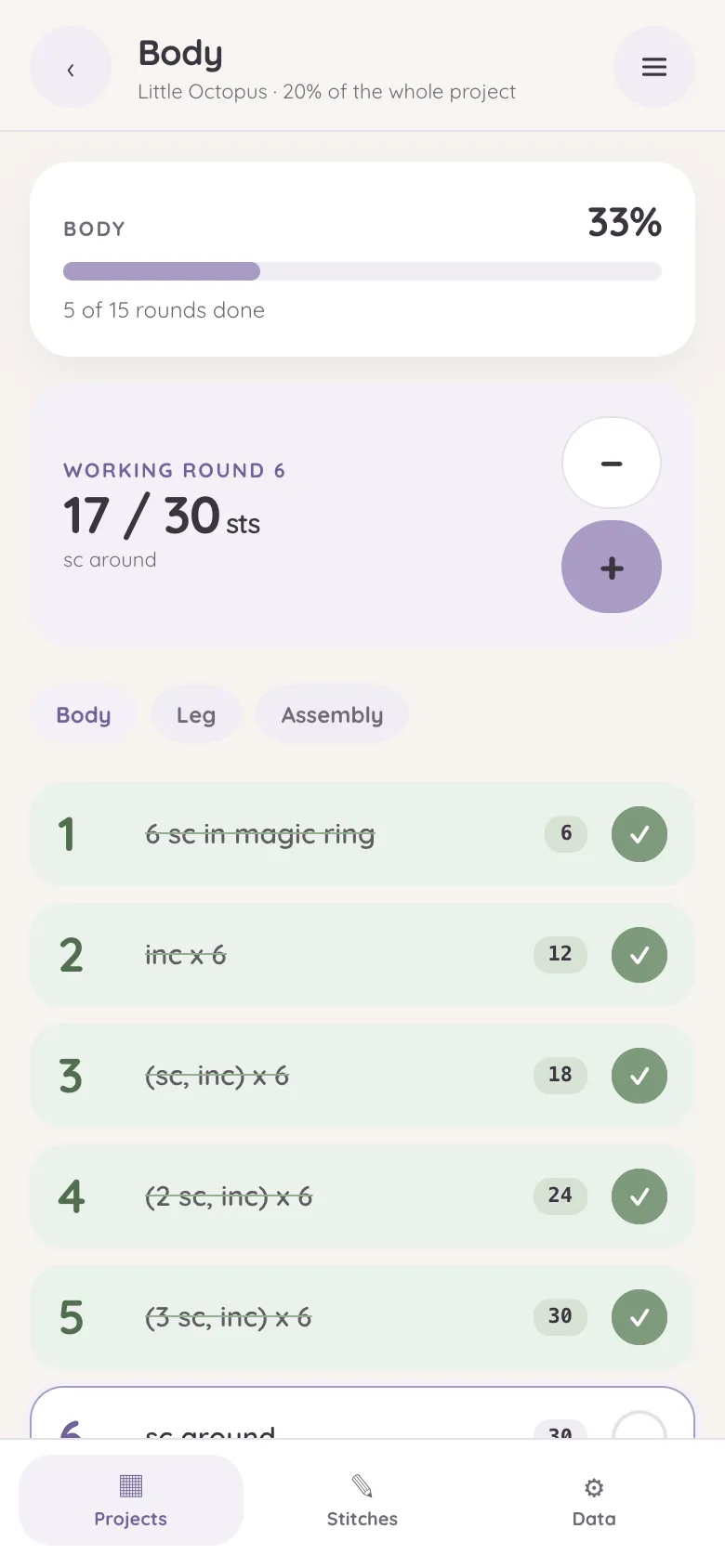
Yarn Diary checks every round against the stitch count printed in the pattern, so misreads are caught before you crochet them. Free, no account, no subscription. It runs entirely in your browser — patterns and photos never leave your device, and sync goes to your own Google Drive; we never hold your projects.
-
Reads your pattern
From a camera photo, a PDF or pasted text. Recognition runs in your browser; nothing is uploaded. How the scanner works
-
Checks the counts
Every round is added up and compared with the count the pattern prints, and a mismatch is flagged before you start it.
-
Rounds you tick off
Each part keeps its own round list and stitch counter, with copies for the ears, legs and arms you make more than once.
-
US and UK terms
Both abbreviation systems are understood, with a built-in stitch guide.
-
Any device, offline
Runs in the browser on Android, iPhone, tablets and desktops, installs to the home screen and works with no signal.
-
Sync, if you want it
Through your own Google Drive, or a backup file you keep yourself.
From pattern to first round in five steps
Nothing to download, nothing to sign up for. These are the real screens.
-
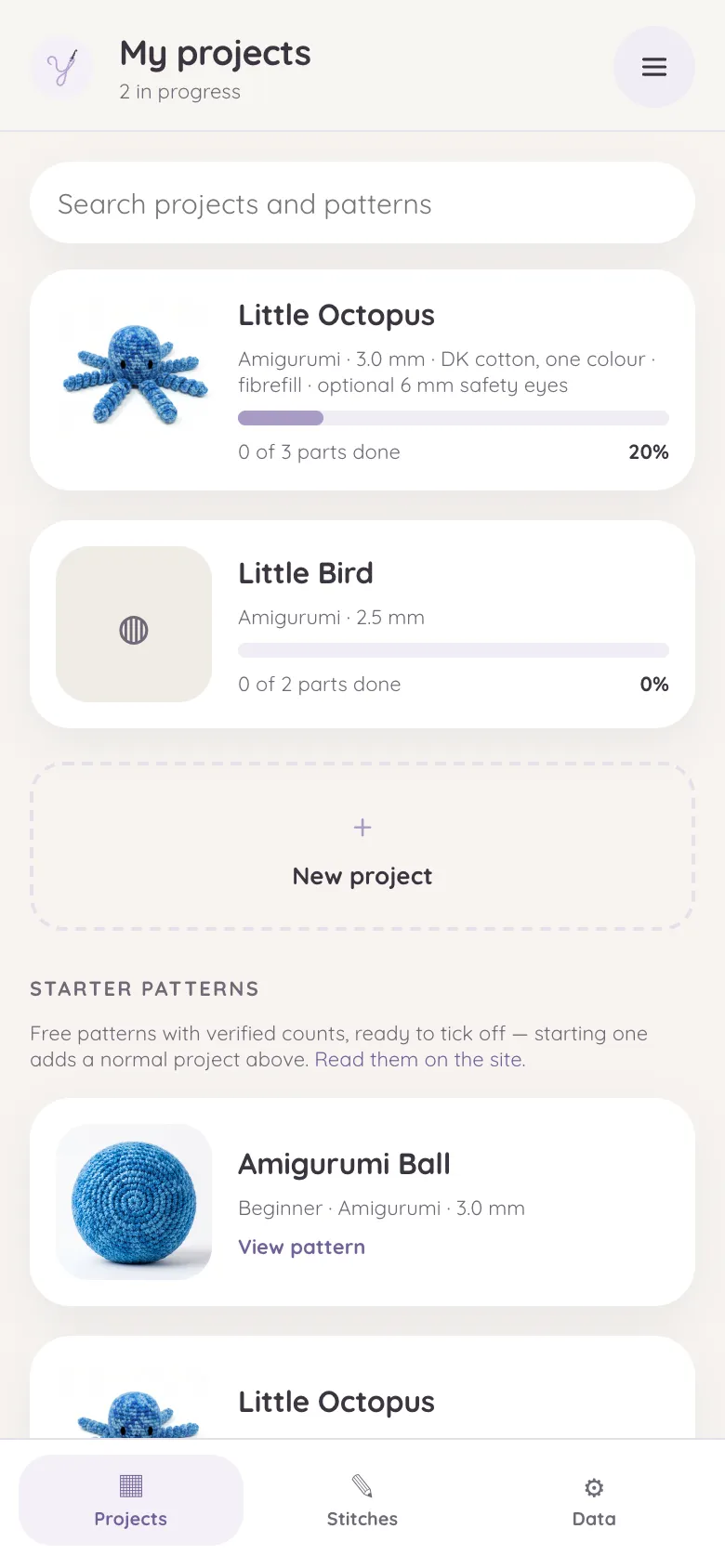
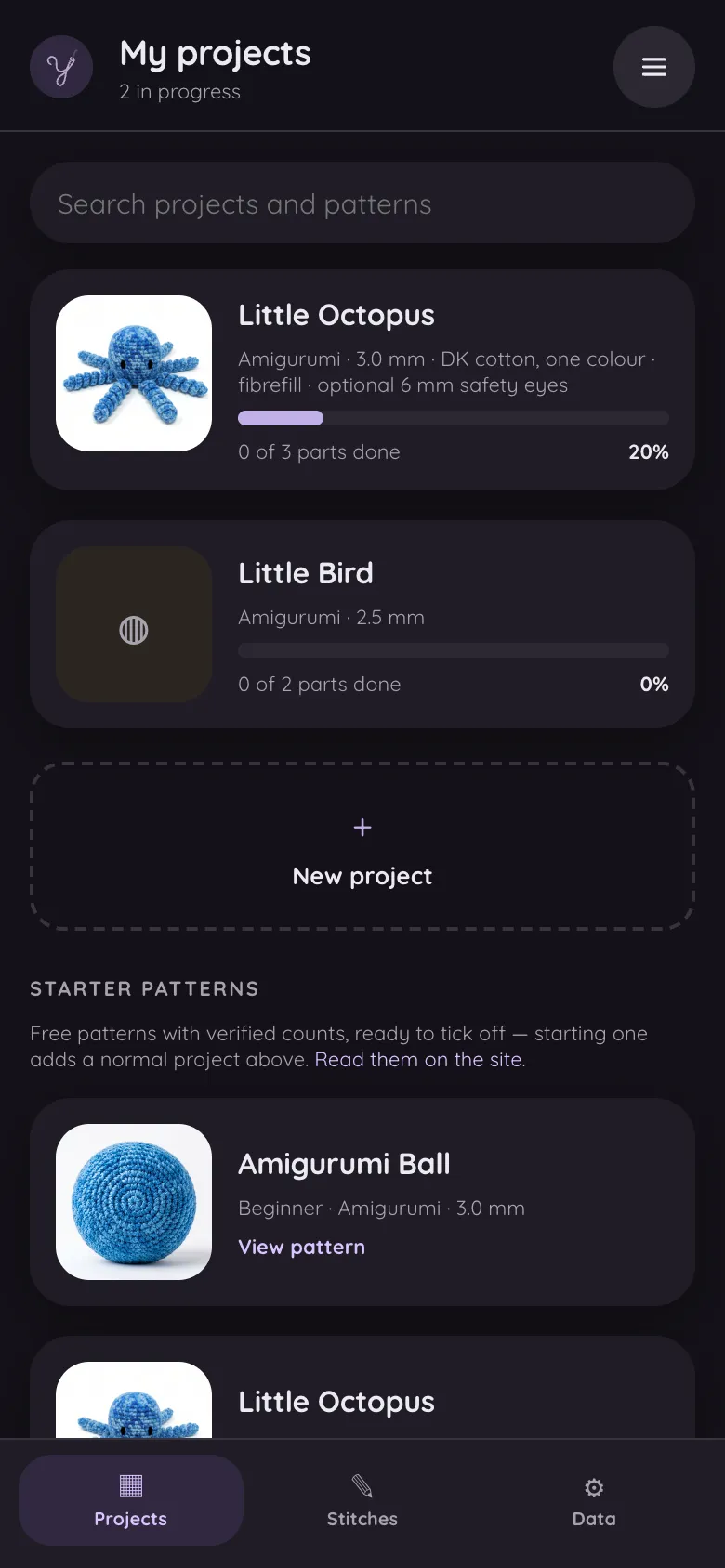 Step
Open yarndiary.com
Nothing to download or sign up for. To keep it on your phone, choose "Add to Home screen" (or "Install") from the browser menu and it opens like any other app, offline included.
Open the app -
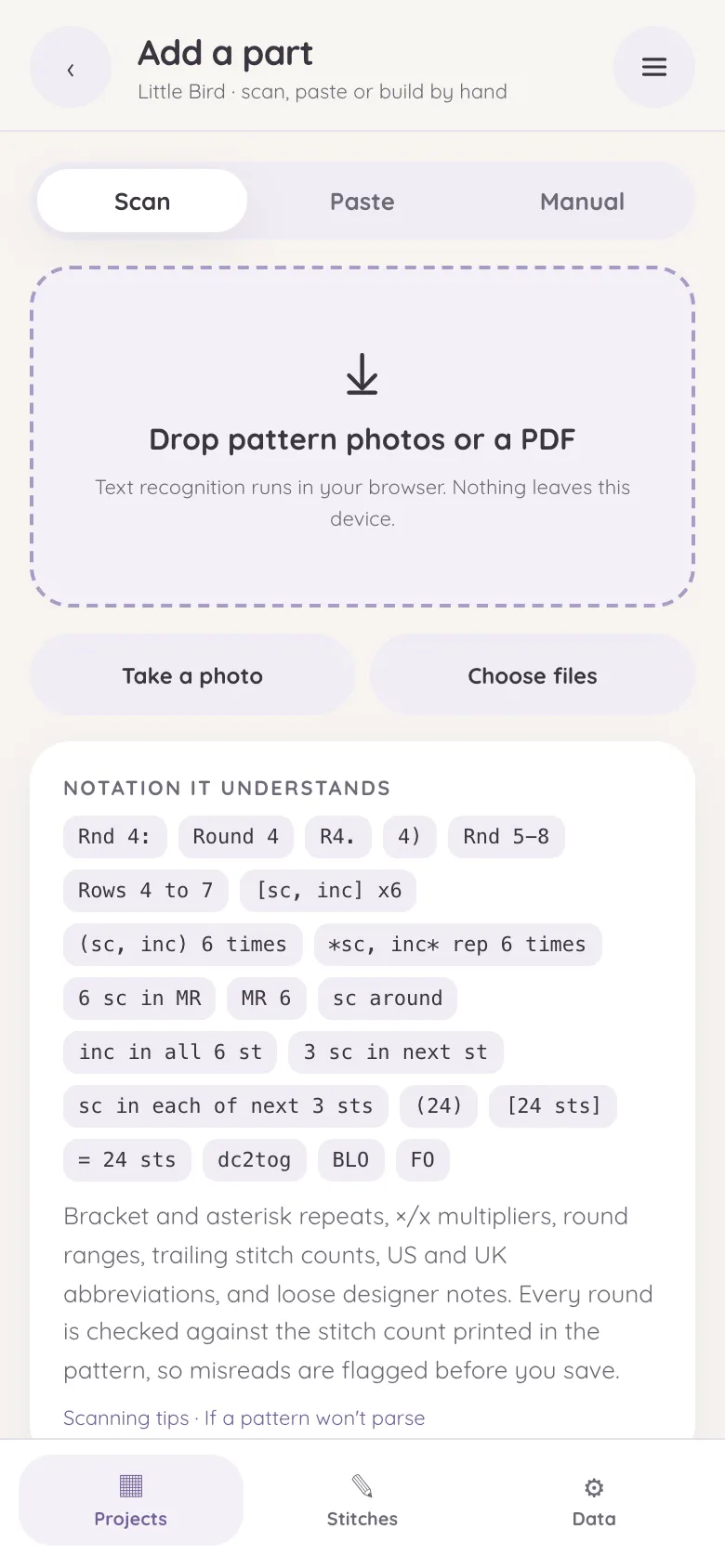
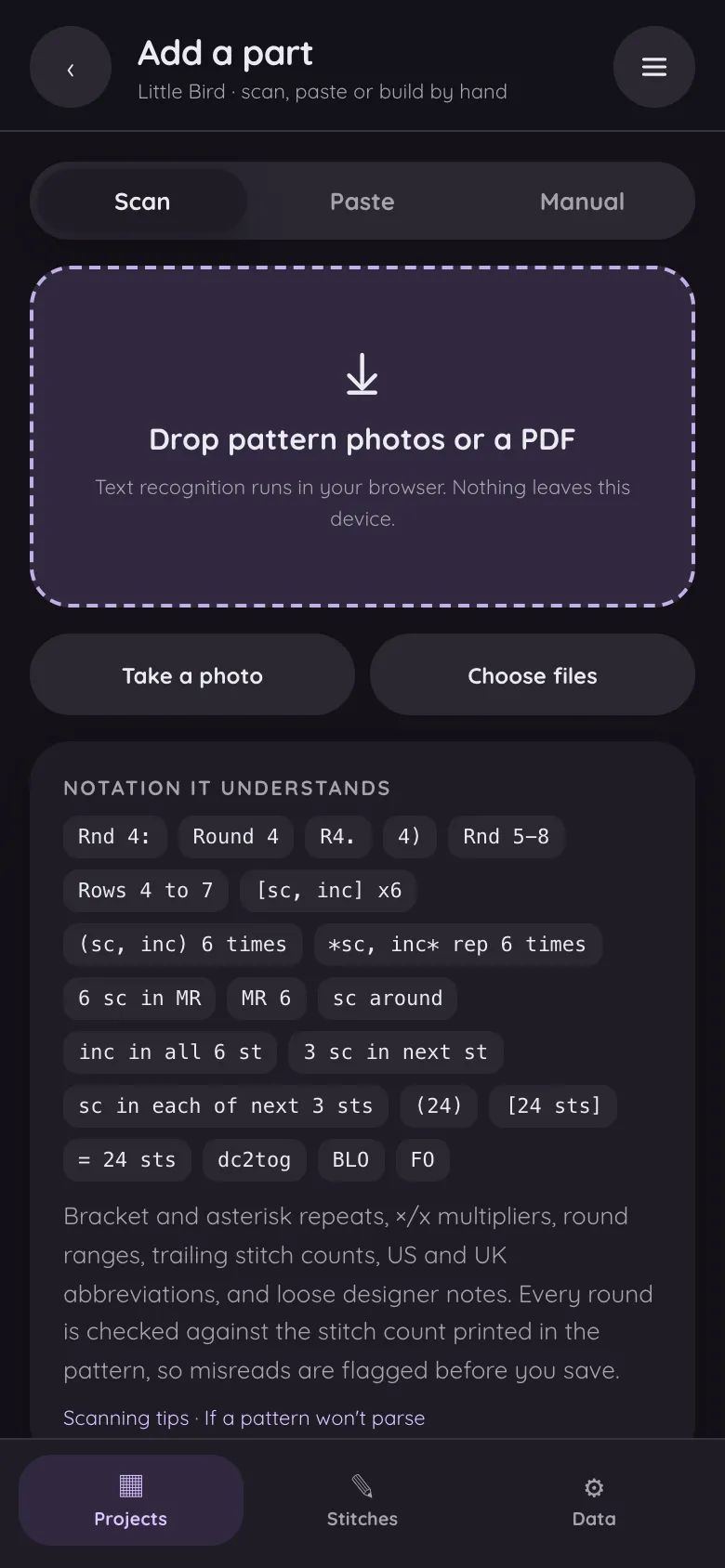 Step
Start a project
The quickest way in is a starter pattern: one tap and it is a project with every round ready. For your own pattern, tap + New project, then + Add part, and choose Scan, Paste or Manual.
How the pattern scanner works -
 Step
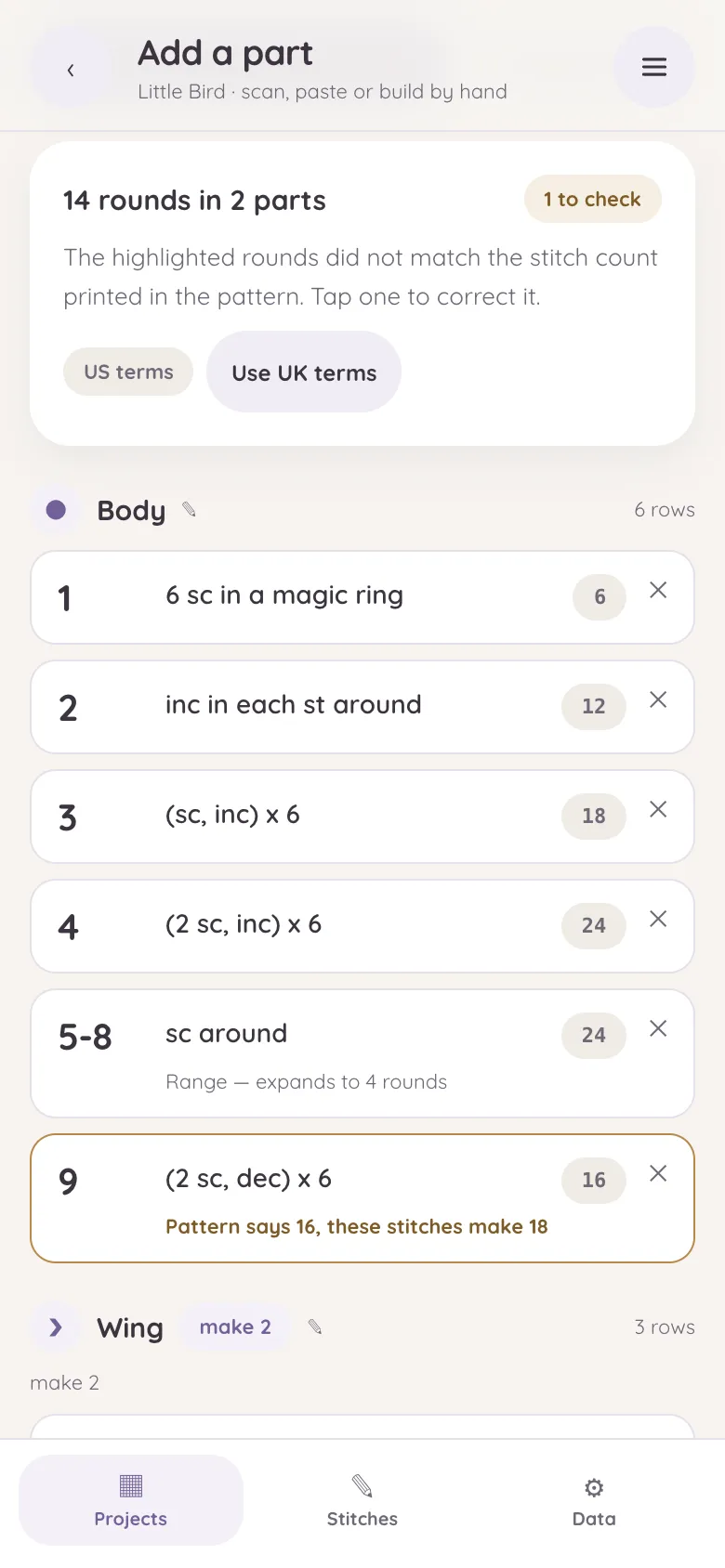
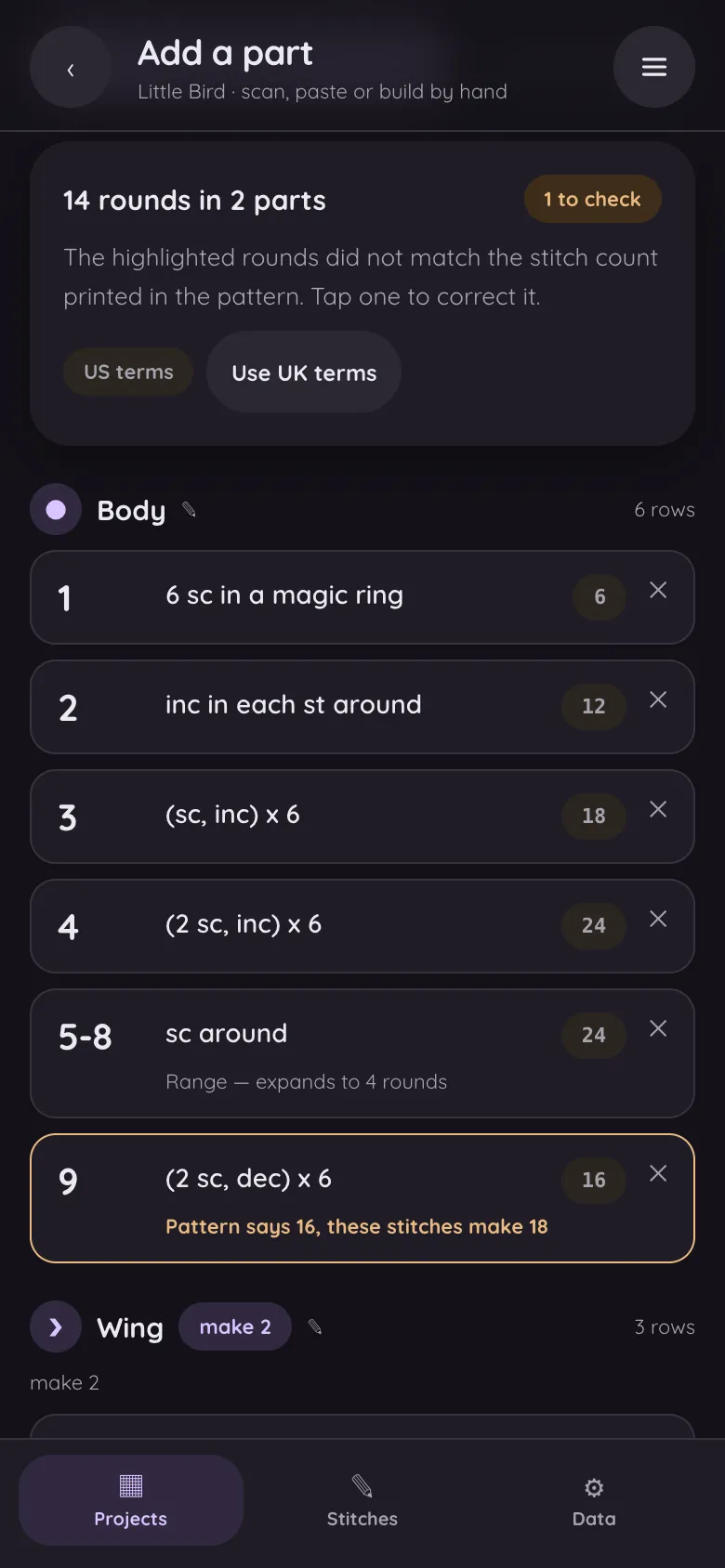
Check what was read
The pattern becomes parts and rounds. Repeats like
(sc, inc) x6and ranges likeRnds 4–9are expanded, and any round whose stitches don't add up to its printed count is marked, so you can fix a misread before it costs you a frogged round. -
 Step
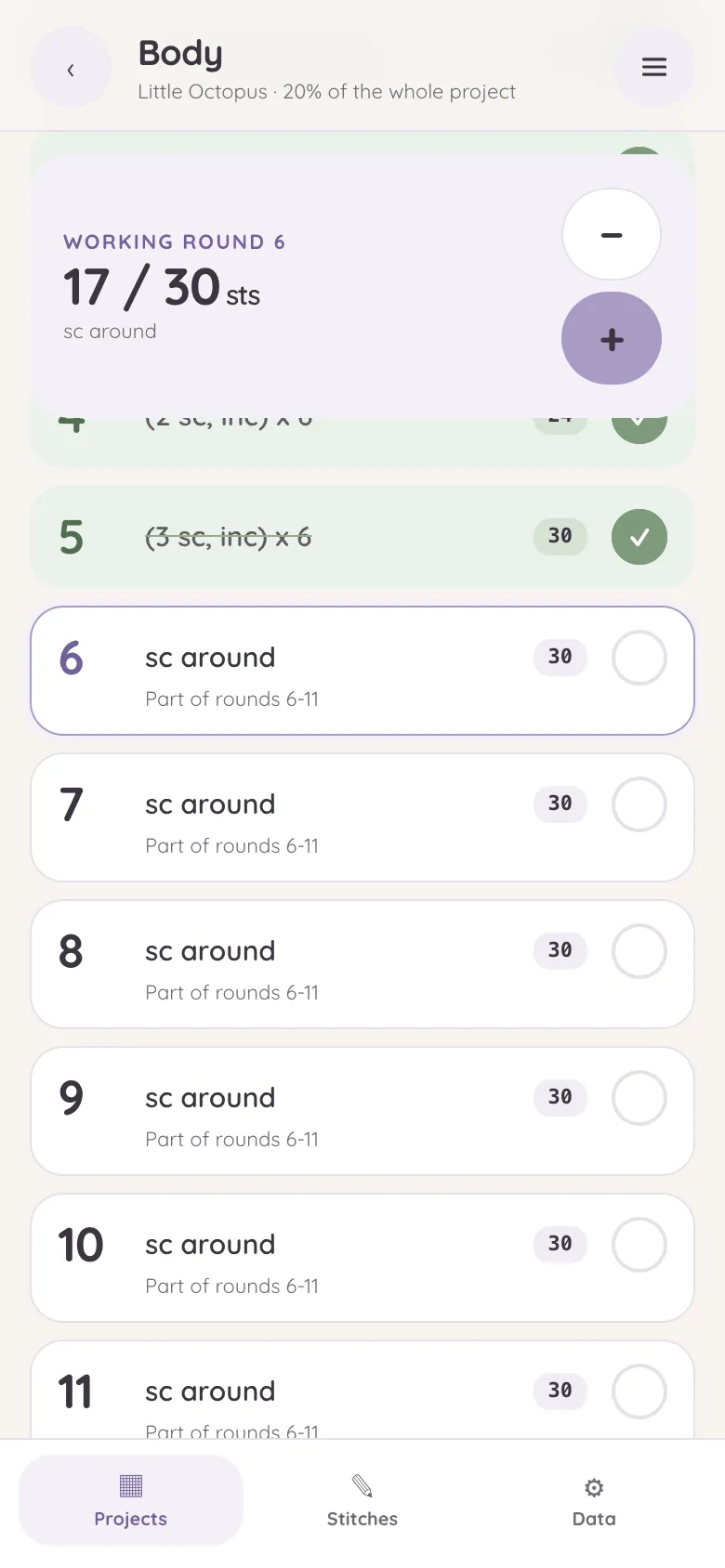
Crochet
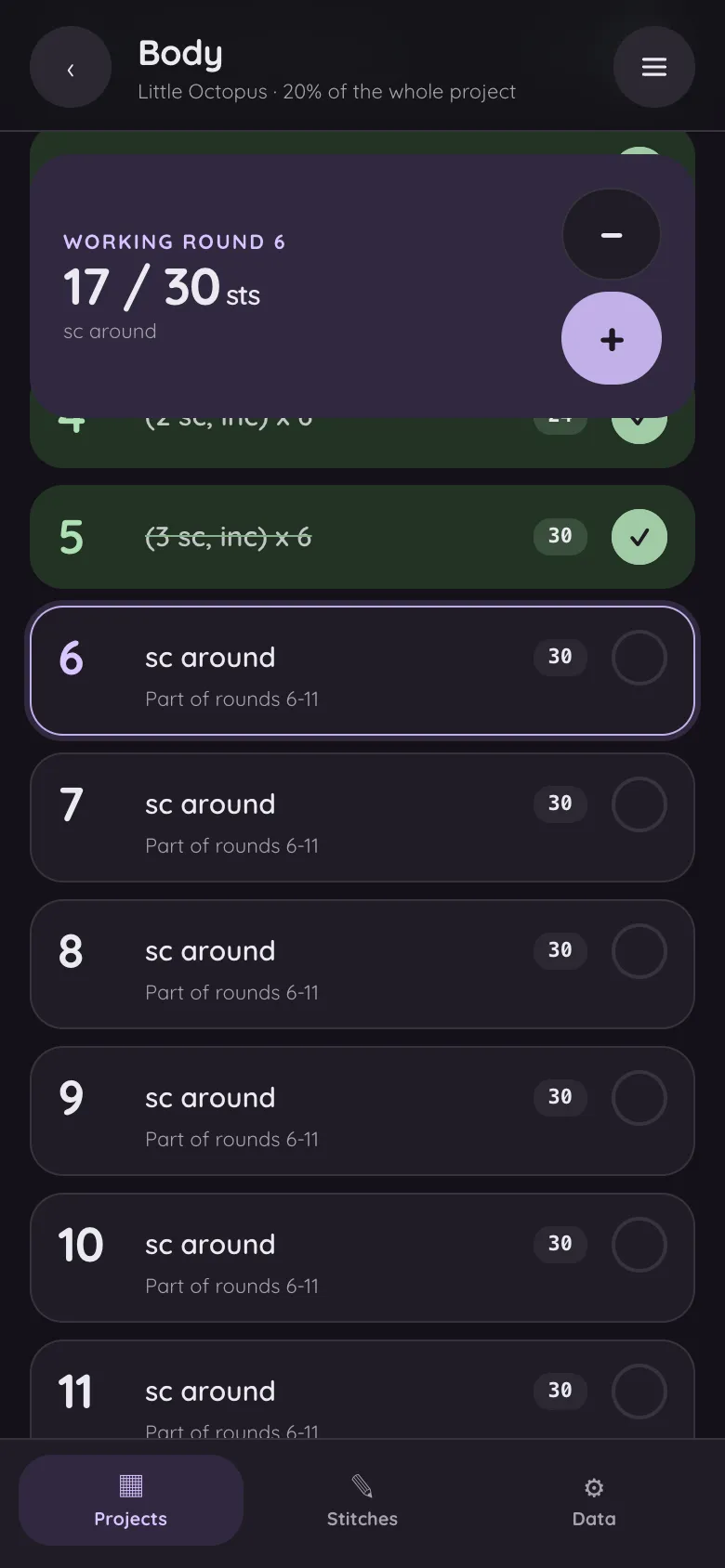
Tap a round to tick it off, use the counter to keep your place inside a long one, and press and hold a round to edit it. Each part fills up as you go, and the project shows how far along it is.
-
 Step
Keep it safe
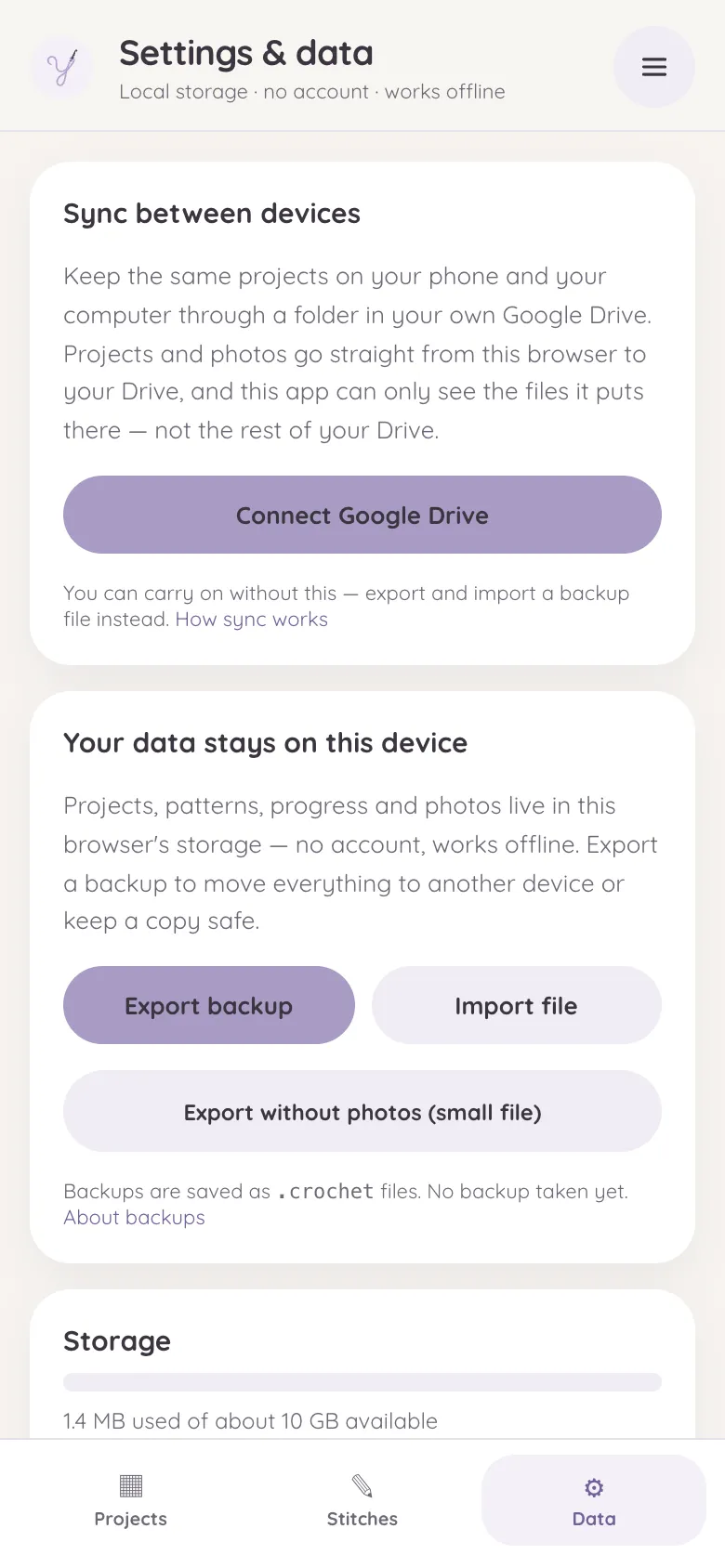
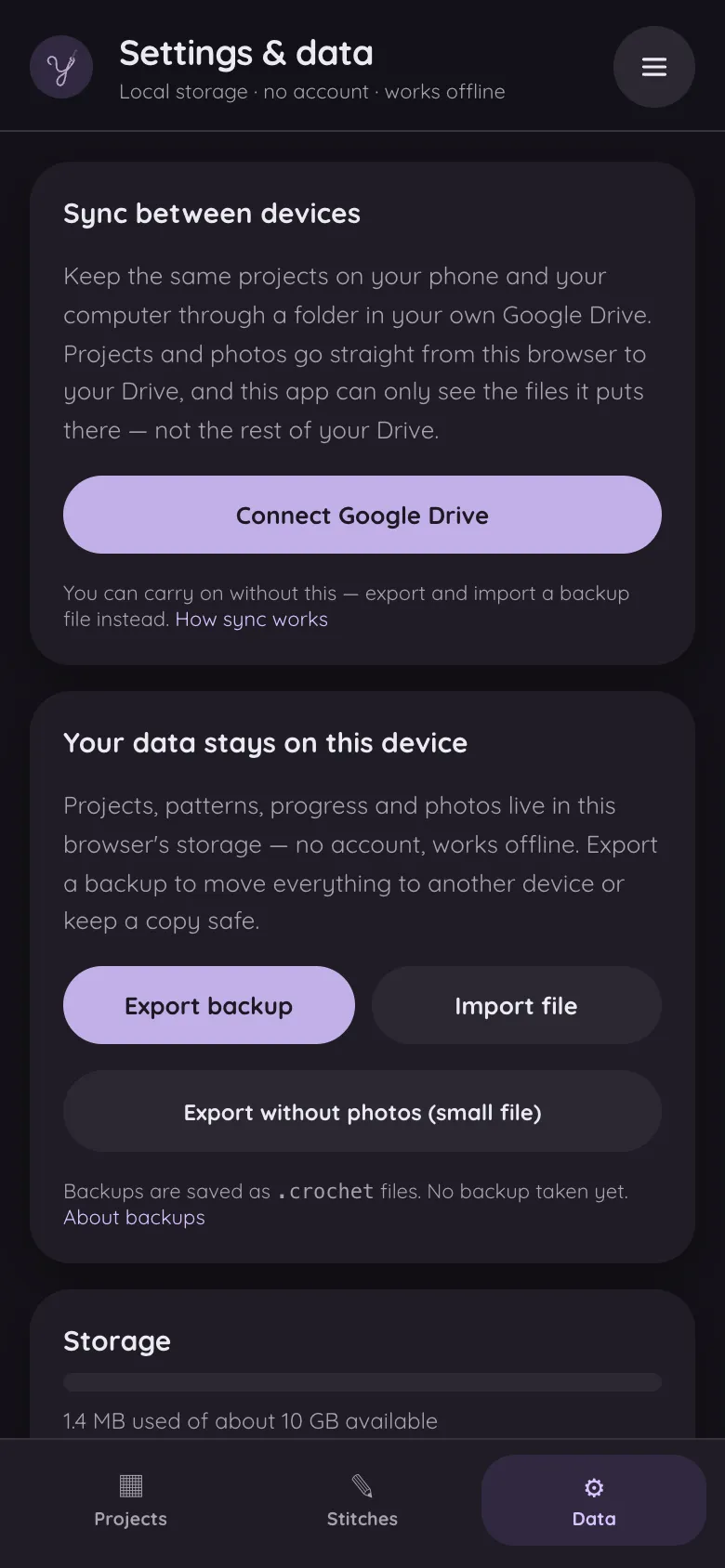
Add photos, notes, hook and yarn. Then, once the project matters to you, turn on Google Drive sync or export a backup from the Data tab.
The help pages go into each of these in detail
Start with a starter pattern
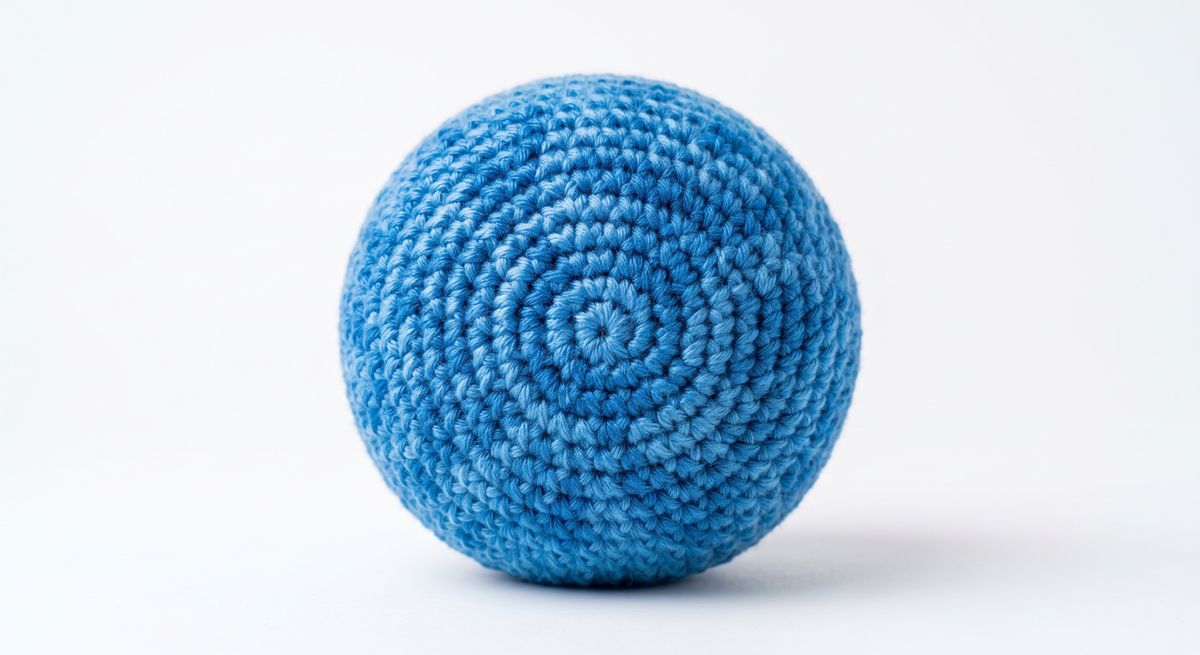
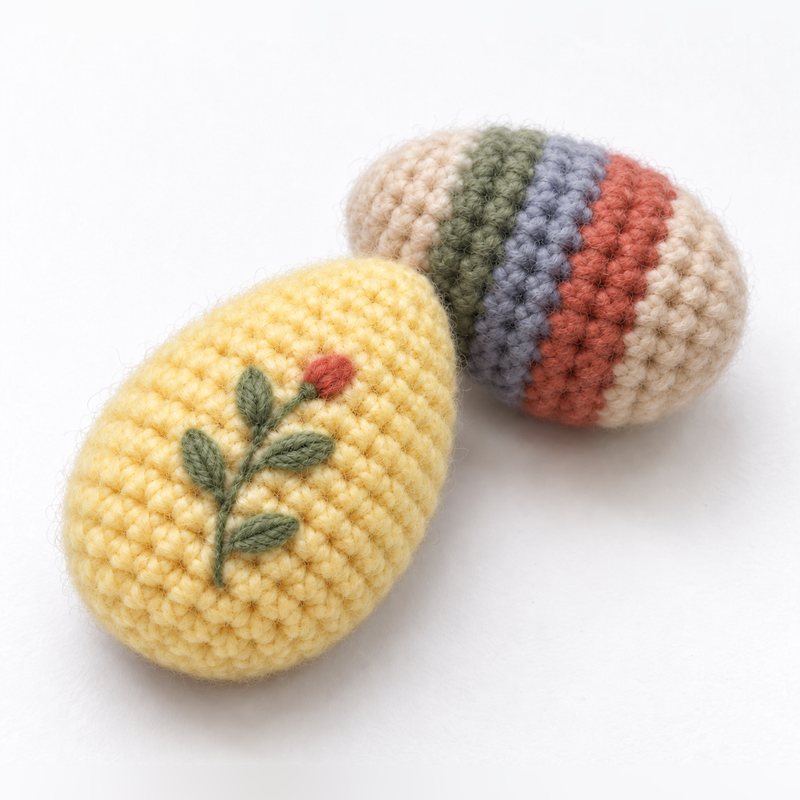
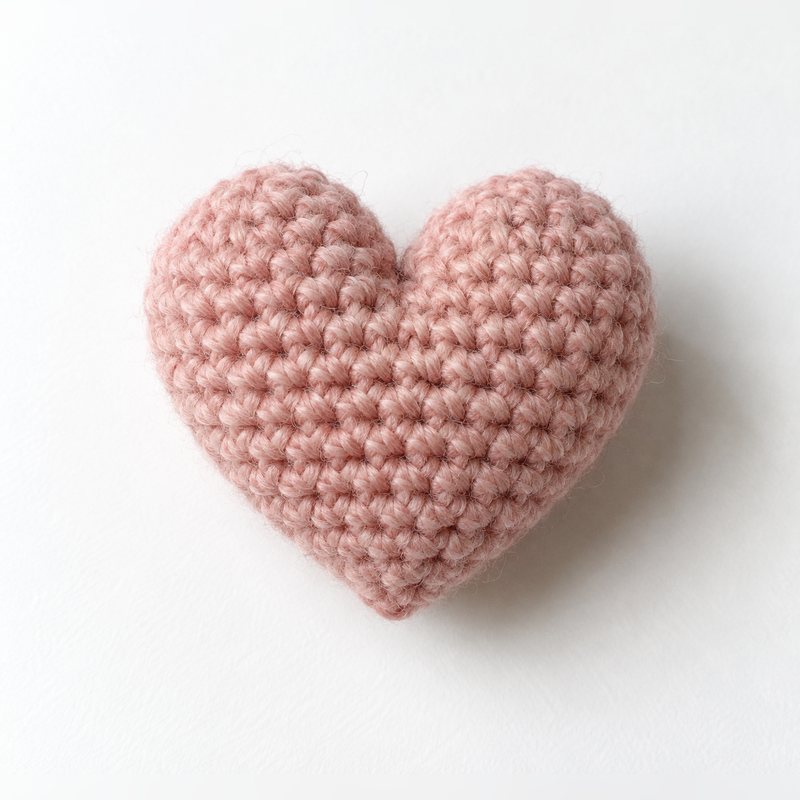
Four small amigurumi patterns come with the app, each with a photo and every round's count verified. Starting one adds it to your projects as an ordinary project, ready to tick off, and is a good way to see how the app works before you scan a pattern of your own.

Have a pattern of your own on paper or in a PDF? The pattern scanner explains what it can read and how to get a clean scan.
Why free is even possible
Most crochet apps charge a yearly subscription, and the honest reason is that they run servers: your projects live in their cloud, and clouds have bills. Yarn Diary is built the other way round. It is a set of static files — no database, no cloud of ours, no copy of your projects anywhere but with you. They live in your browser's storage on your device, and if you want them on two devices, sync goes through your own Google Drive. The infrastructure you'd be subscribing to pay for doesn't exist.
That architecture is also a privacy position: nobody can lose, sell or train on data they never receive. Patterns you scan are read by your browser, not by a recognition API on someone's server. The privacy page is short because there is genuinely little to disclose.
The subscription patterns it avoids
A few things crocheters run into with tracking apps, each a deliberate non-feature here:
- Sync behind a paywall. The most popular row-counter app is free until you want your projects on a second device — then it's a yearly subscription. Yarn Diary syncs through your own Drive for nothing, because your data never touches our infrastructure in the first place.
- Accounts you didn't want. Several popular platforms require signing up before you can track a single row. Yarn Diary has no account system at all.
- Free tiers that nag. No upgrade banners, no "you've used your free pattern for today", no trial that flips to paid.
- One platform only. Some of the best-regarded trackers are iOS-only. Yarn Diary runs in the browser, so the same app works on Android, iPhone, tablets and desktops — and installs like a native app from the browser menu.
What you give up
Honesty cuts both ways. Yarn Diary is not a pattern marketplace or a community — it won't replace Ravelry for finding patterns or showing off finished work. It has no chart-based tracking for colourwork grids, and there is no customer-support department behind it. It does one job — take a written pattern, turn it into trackable rounds with verified counts, and keep your progress safe on your own devices — and tries to do that job properly.
Where the safety net is
"Your device holds the data" raises a fair question: what if the device doesn't wake up one morning? Three answers. The app works offline and keeps working whatever happens to this website. Backups export to a single file you keep wherever you like. And with Drive sync on, every project sits in your Google Drive as readable files — nothing about your work is locked in, hostage to a company, or waiting on a subscription renewal.
Your next round is one tap away
Free, no account, no subscription. Open it in the browser you are reading this in.