 Yarn Diary
Scan a crochet pattern into rounds you can tick off
Yarn Diary reads written crochet patterns. Photograph a printed page, drop in a PDF, or paste the text — it becomes parts and rounds, and every round is checked against the stitch count the pattern prints. Free, no account, and the reading happens in your browser: your pattern is never uploaded anywhere. Try it now — pasting a pattern takes about ten seconds.
- Nothing uploaded
- Every count checked
- US and UK terms
- Free
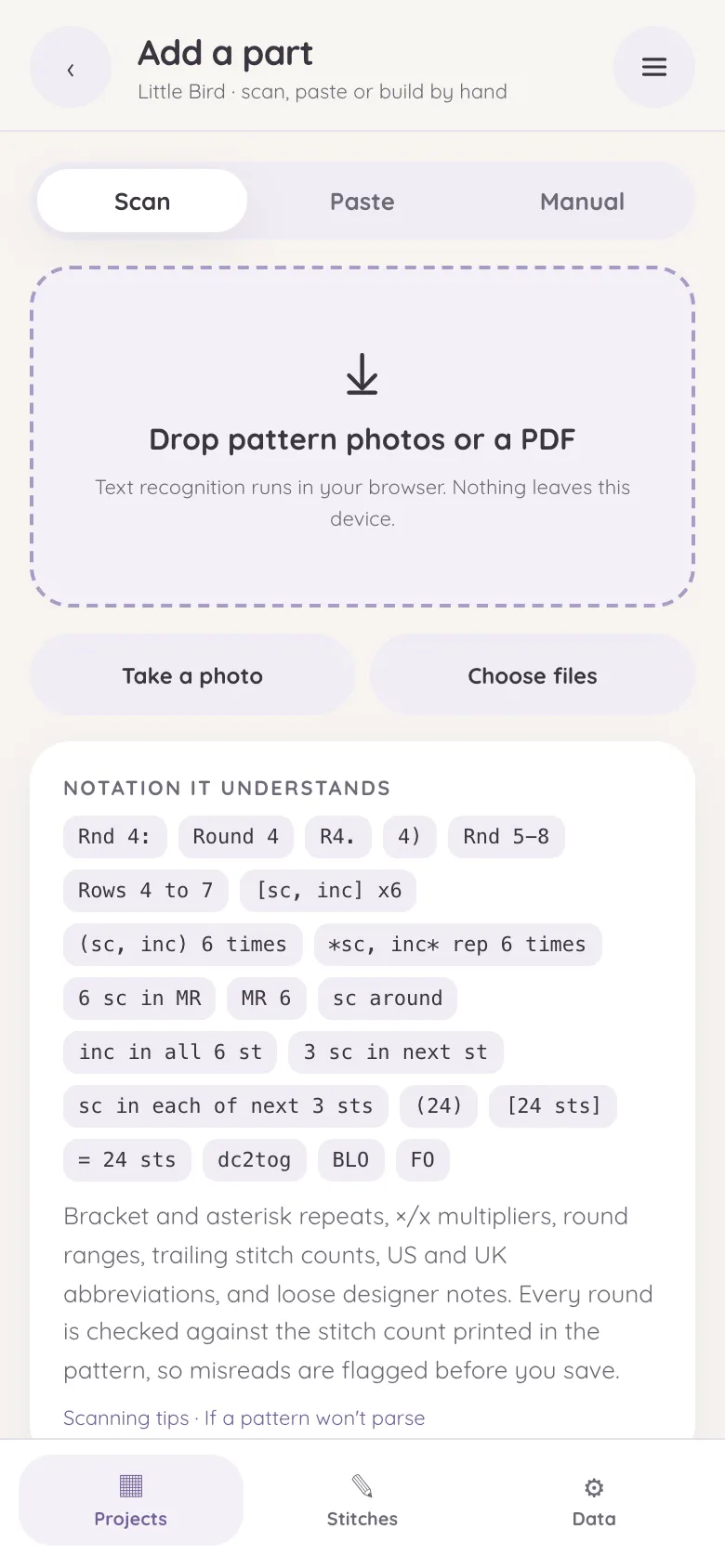
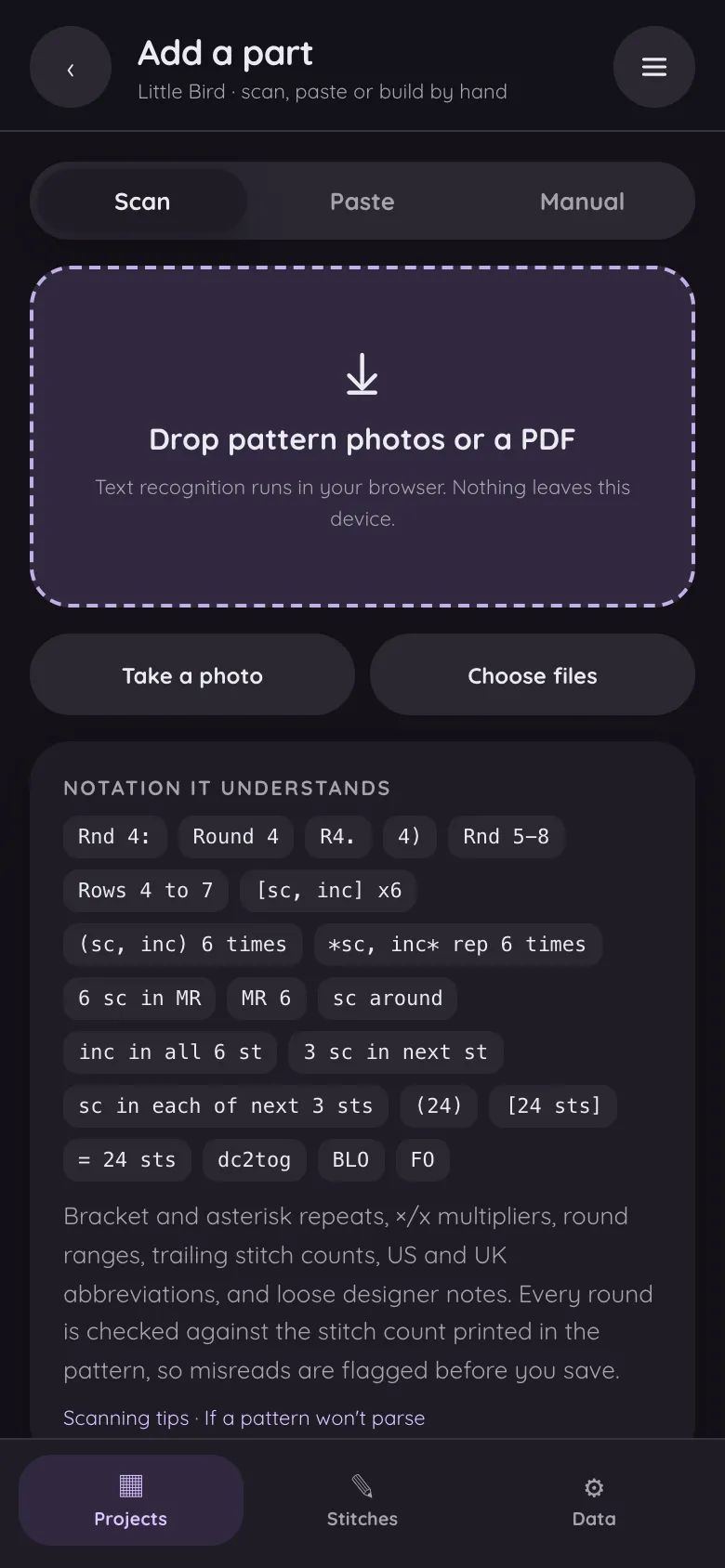
Photo, PDF or pasted text
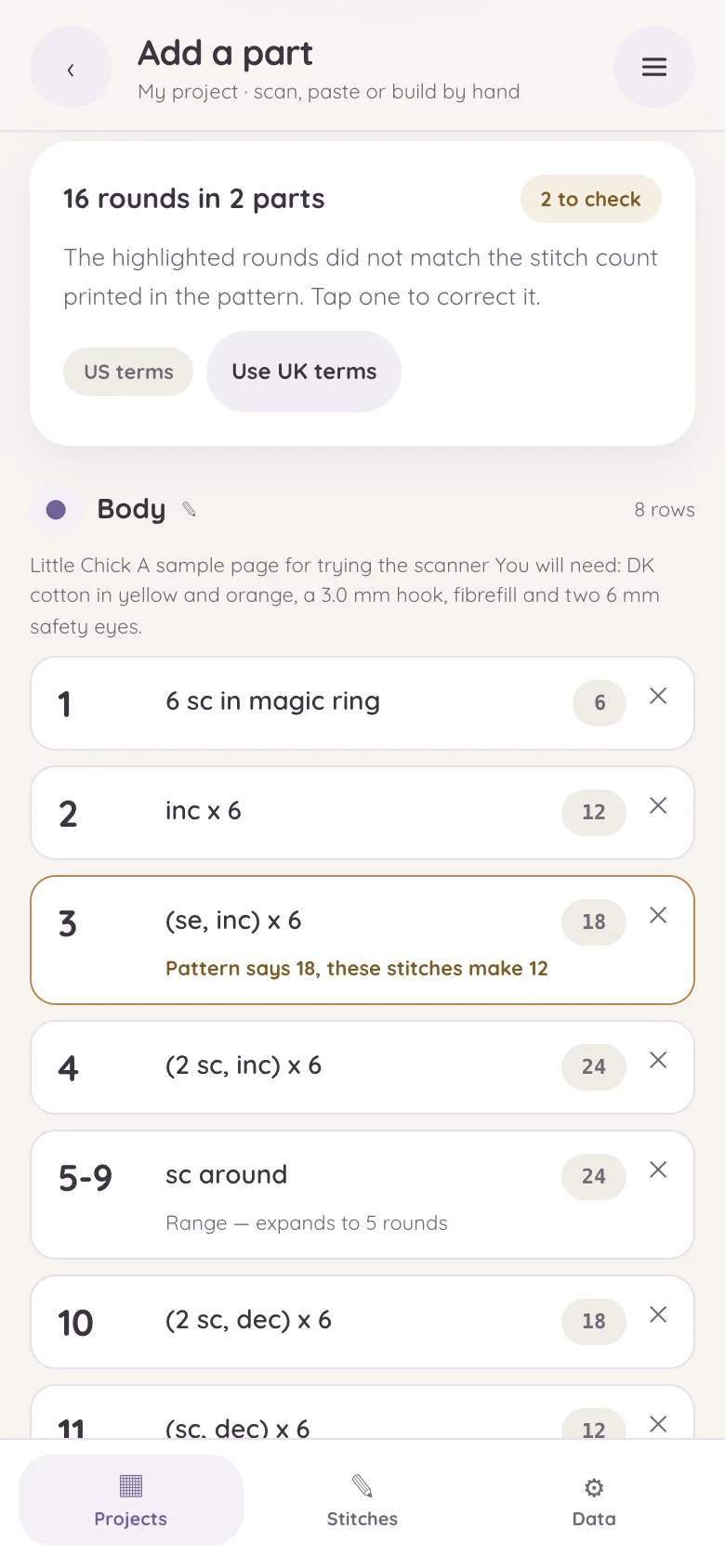
All three end in the same place: a list of parts and rounds to check before anything is saved.
-
Take a photo
Photograph a printed page with your phone, or choose a picture you already have. Text recognition runs on the device.
-
Drop in a PDF
Digital and scanned PDFs both work. What to know about PDFs
-
Paste the text
Copy a pattern from a web page, an email or a document and paste it in. No recognition step, so it is the quickest of the three.
What "reading a pattern" means here
Crochet patterns are compact and idiosyncratic: Rnd 2: inc x6 (12) means one thing, (sc, inc) 6 times another, Rnds 4–9: sc around six more rounds. Yarn Diary parses that notation properly rather than just splitting lines:
-
Round labels
Round labels in most styles — Rnd 4:, Round 4, R4., 4)
-
Repeats
Repeats — brackets, asterisks, ×6, rep 6 times
-
Ranges
Ranges — Rnd 5–8 expands into the individual rounds, with shaping recomputed per round
-
US and UK terms
US and UK abbreviations, detected automatically
-
Stitches and notes
Magic rings, increases, decreases, chains, back/front loop notes, designer asides
-
Several parts
Multi-part patterns — Head, Body, "Legs (make 2)" become separate tracked parts
A worked example
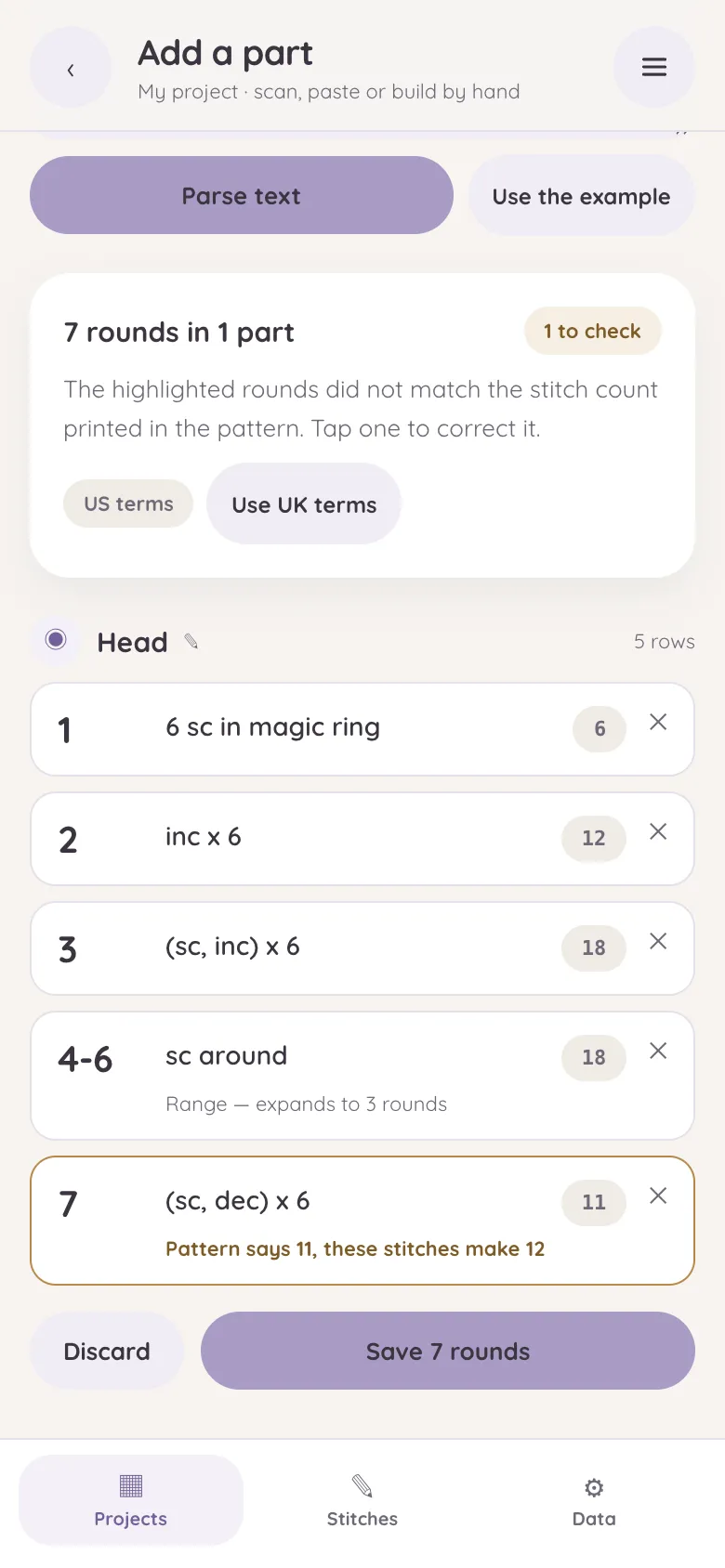
HEAD
Rnd 1: 6 sc in magic ring (6)
Rnd 2: inc x6 (12)
Rnd 3: (sc, inc) x6 (18)
Rnds 4-6: sc around (18)
Rnd 7: (sc, dec) x6 (11)
| 1 | 6 sc in magic ring | 6 |
| 2 | inc x 6 | 12 |
| 3 | (sc, inc) x 6 | 18 |
| 4–6 | sc around | 18 |
| 7 | (sc, dec) x 6 ⚠ instructions make 12 — check this round | 11 |
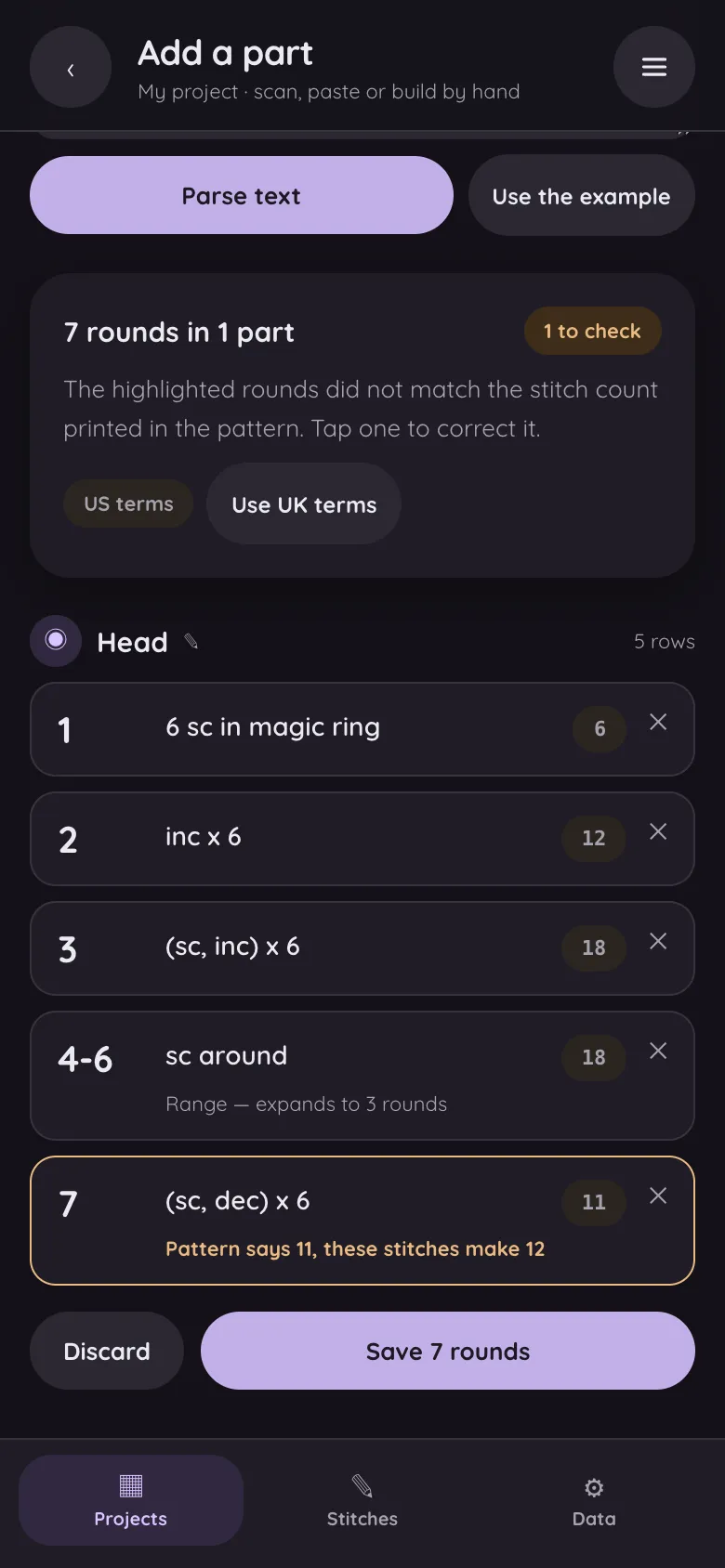
Round 7 is the point of all this: (sc, dec) x 6 over 18 stitches produces 12, but the pattern printed (11) — a typo. Yarn Diary derives each round's count from the instructions themselves and compares it with the printed one, so the mismatch is flagged before you save the pattern, not discovered at round 40 when the ear won't close.
Scanning photos and PDFs
The camera and PDF paths run text recognition first, then the same parser. Recognition happens inside your browser tab — the pattern image is never sent to a server, ours or anyone's. Scans of clean printed pages work well; handwriting and very ornate fonts are hit-and-miss, and anything the recogniser garbles lands in the same review screen where every round can be edited before saving. Nothing is stored until you confirm the list.
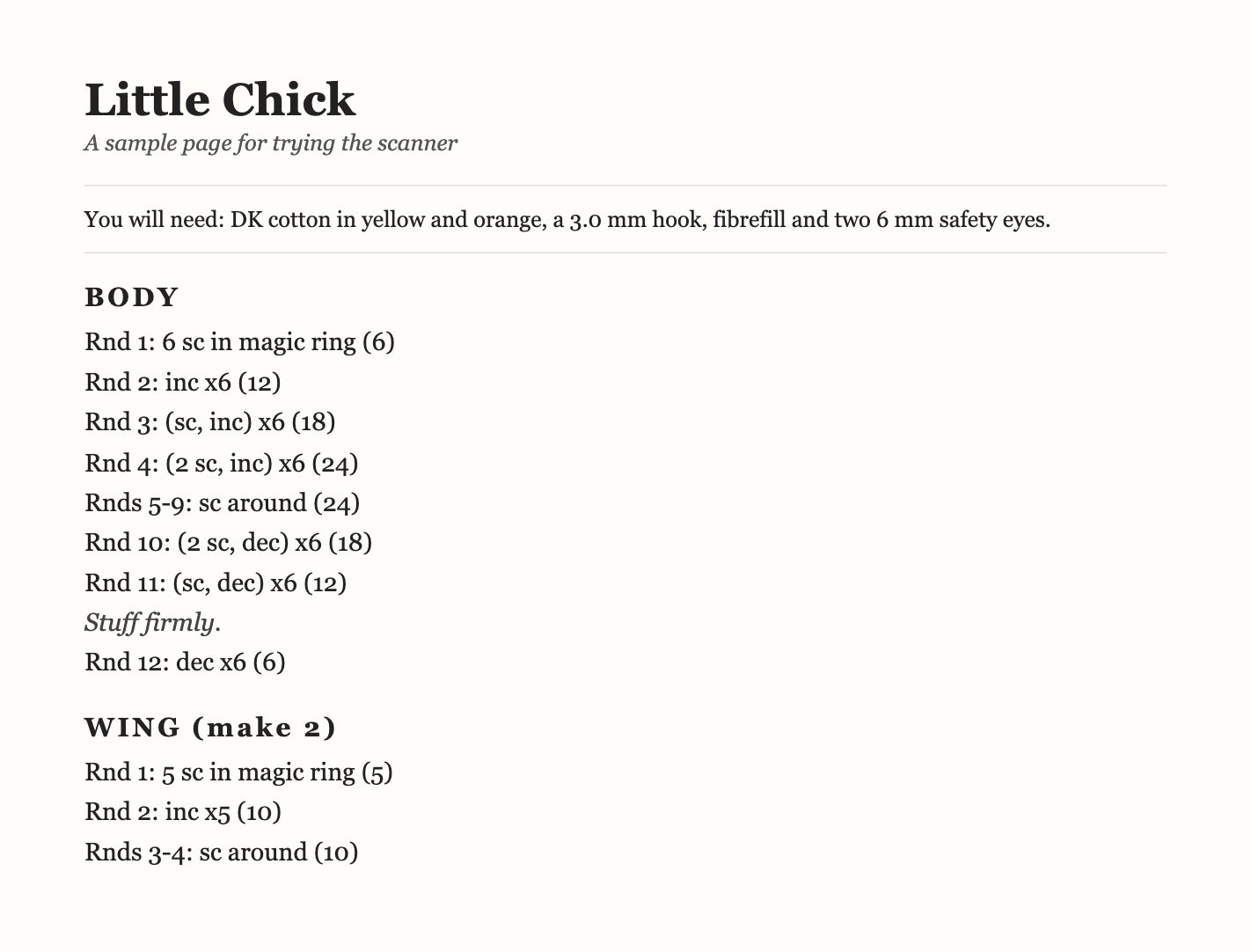
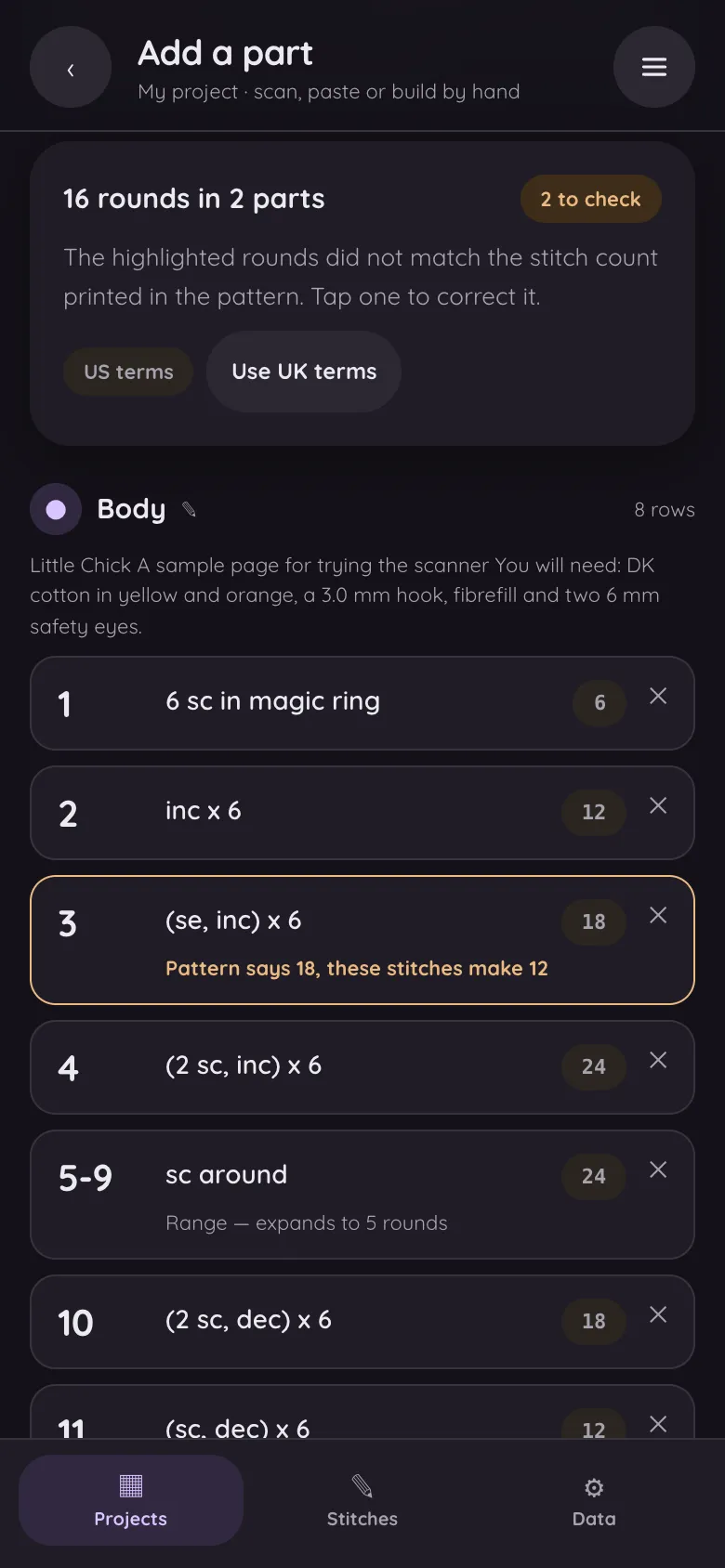
Try it with this page. Save the sample pattern page and drop it into the scanner — it is the same file behind the screen shown here. Scanning tips
My stitch count doesn't match the pattern — is it me?
Sometimes it isn't you. Published patterns contain typos: a printed count off by one, a repeat written once too many, a range that quietly absorbs a round. Pasting the pattern into the checker answers the question in seconds — if the instructions and the printed count disagree, the round is flagged and you know the pattern is at fault. If they agree and your piece still doesn't match, the usual suspects are a missed increase at the start of a round or an accidental extra stitch at the end of one.
What it costs
Nothing. The scanner, the checker and the tracker are all part of a free app with no account and no subscription. A pattern you paste stays yours, on your device.
Read your next pattern in seconds
Free, no account, and the pattern never leaves your device.